We sent a photographer back in time.
Point your phone at an old printed photo. In about 30 seconds, AI makes a restored version designed to look like it was taken today. The aim: same people, same moment, modern camera.
- 1 free restore
- No signup
- Originals never stored on our servers
See the moment through a modern lens.
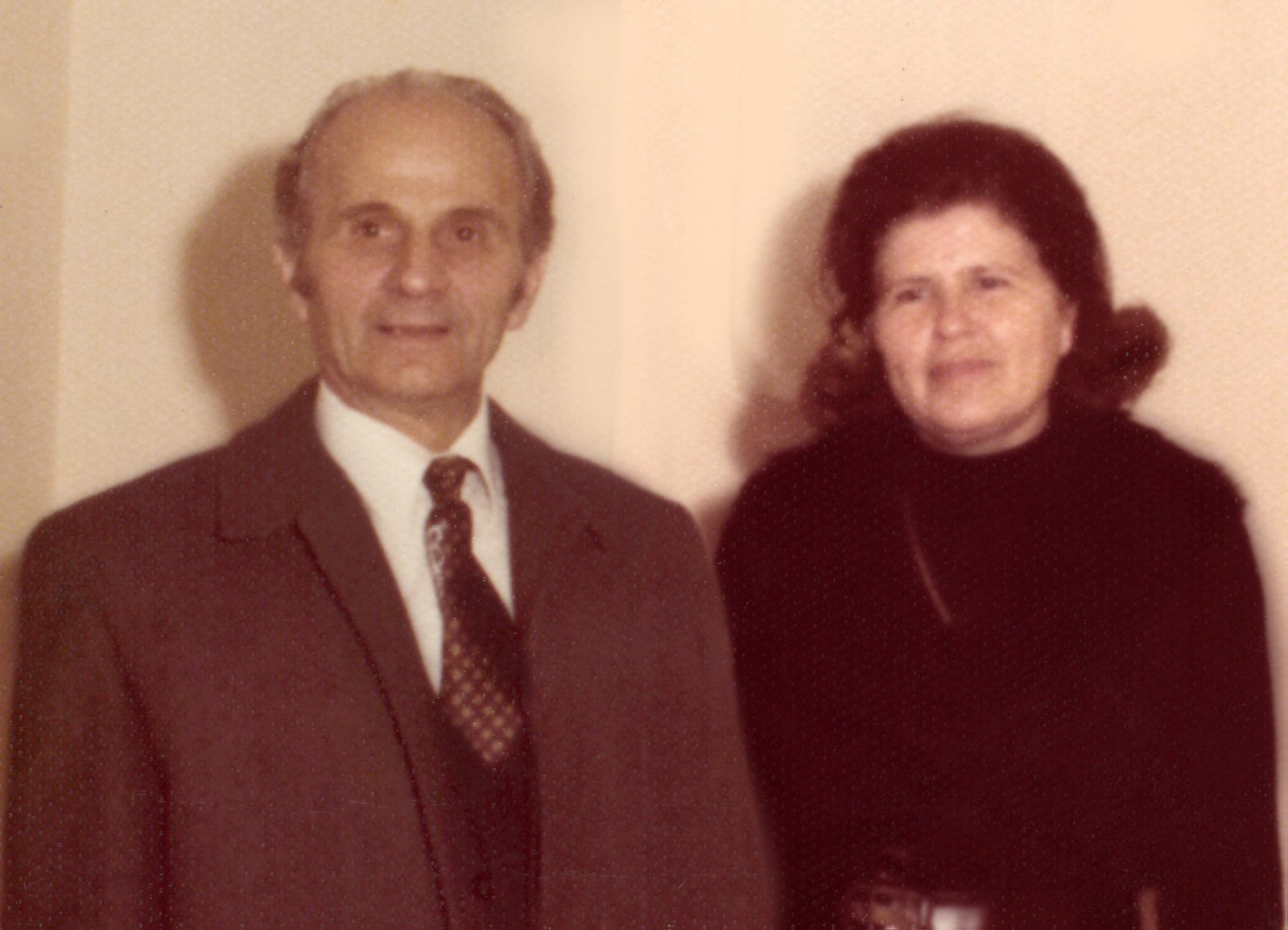 Then
 Now · AI-restored
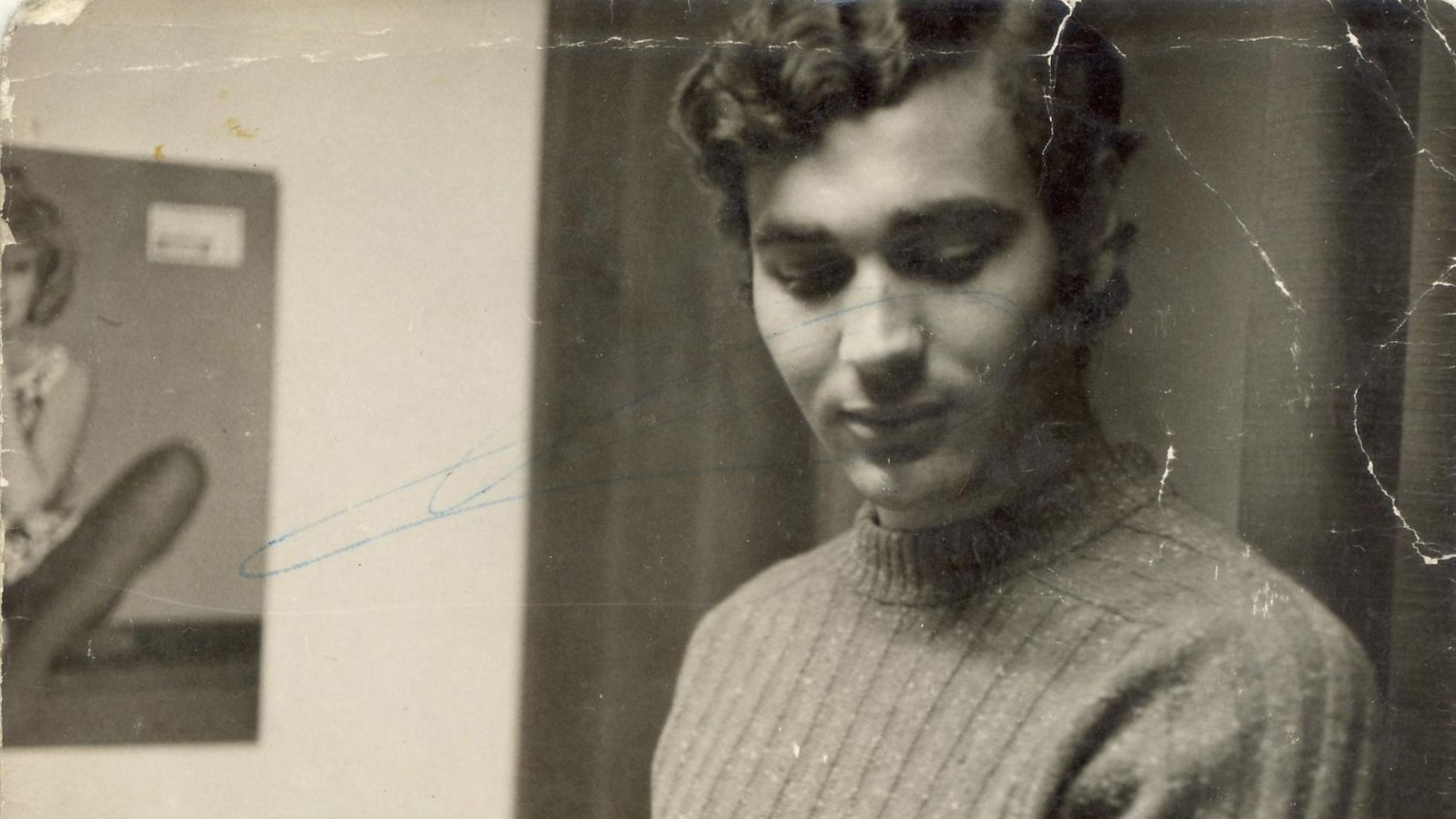 Then
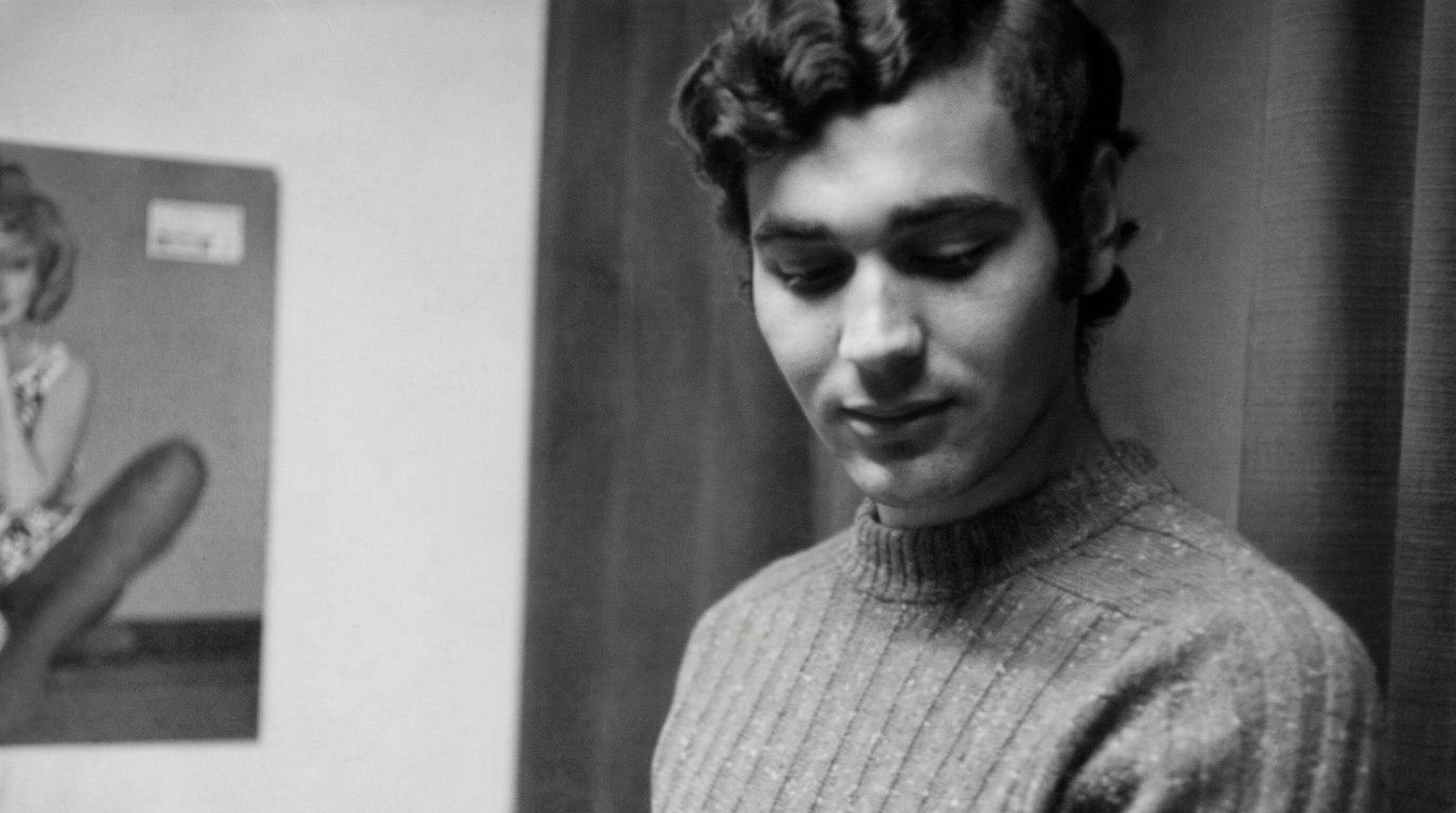 Now · AI-restored
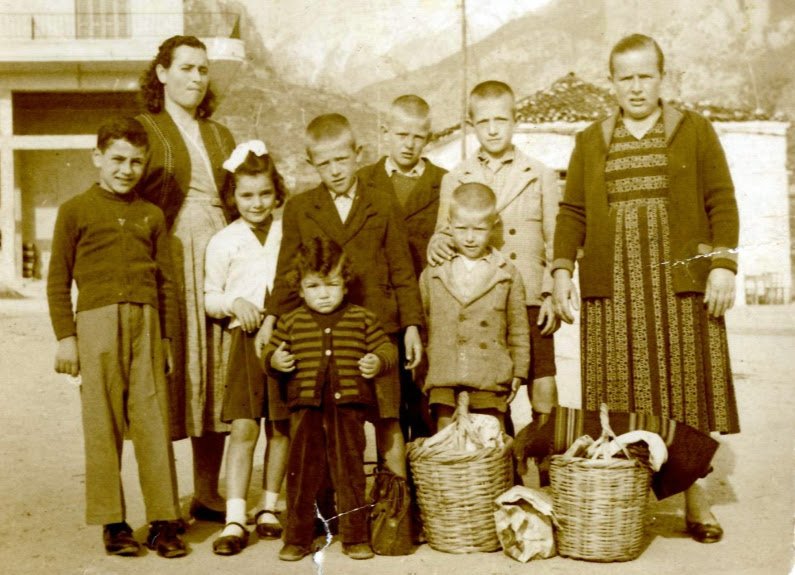 Then
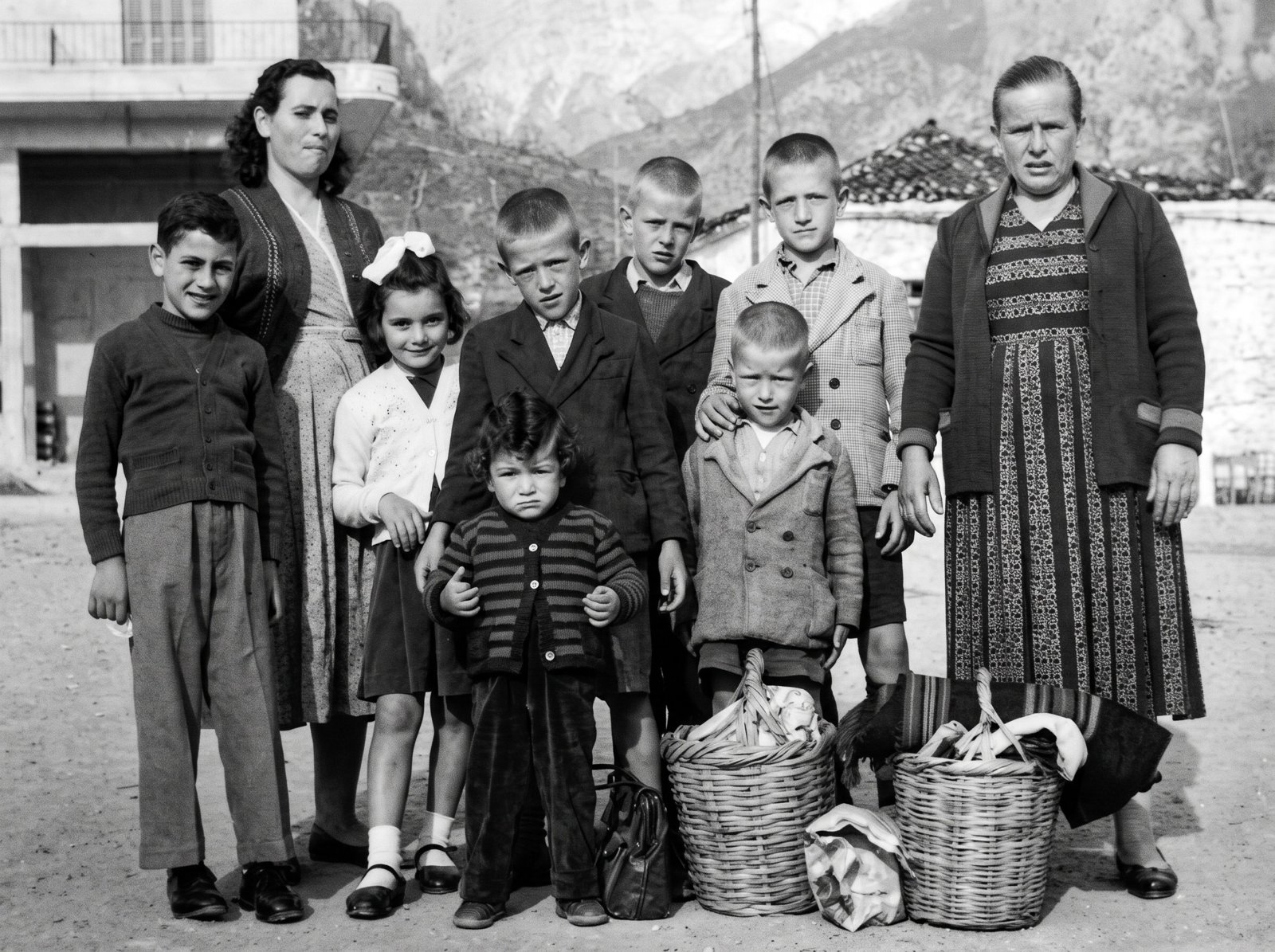 Now · AI-restored
Real family photos, shown with the family’s permission. The restored versions were made with AI.
Three steps. About thirty seconds.
-
Show me the photo
Point your camera at the print — album page, frame, or shoebox find. Crooked is fine.
-
Traveling back…
Our photographer goes back to the moment and re-shoots it with a modern camera. On screen, the clock spins backwards.
-
Welcome back to today
Compare before and after, download in full quality, and show someone who remembers that day.
Works in your browser — nothing to install.
Behind the story, it is AI. Every restored photo is labelled “AI-restored”.
Restored, not replaced.
Most AI “enhancers” quietly invent a new face. We think that’s the one unforgivable mistake. Replay the Past is built to keep the same person, the same pose and the same composition, seen through a modern lens.
It is AI, so it can still get things wrong, and we can’t guarantee how a photo turns out. Look closely before you share.
Your photos come home.
-
Originals are never stored on our servers. Your photo is processed and immediately discarded.
-
Results live in the EU, then they’re deleted. Restored photos are stored on EU servers and auto-deleted after 30 days. Want them gone sooner? Use “Delete my data” in the app.
-
No training on your family. We use the paid AI tier — your photos are not used to train models.
Processing uses Google’s Gemini API under these terms — see the privacy policy for exactly what happens to a photo.
Pay once. No subscription. Ever.
- Try it free
- 1 full-quality restore, watermarked download, no account needed.
- Credit packs
- Coming very soon. One-time packs, nothing renews by itself.
Questions people ask
Do I need a scanner?
No — that’s the point. Point your phone at the print. We work out where the print is, and restore it. A phone photo of a photo is exactly what it’s built for.
Will it change what my relative looked like?
It’s built not to. The aim is the same person, pose and composition, as if re-shot with a modern camera. It is AI, so it can still get things wrong, a face included, and we can’t guarantee the result. Look closely before you share.
Is the result guaranteed?
No. Every photo is different, and the restoration is made by AI (Google’s Gemini model), so we can’t promise how any one photo will turn out, and no two restores come out the same. You can try one restore free, while the day’s free restores last. The details are in the terms.
What happens to my photo?
The original is processed and immediately discarded — never written to our storage. The restored result is stored on EU servers so you can download it, and auto-deletes after 30 days. We use Google’s paid Gemini API, which does not train on your images.
While you work on a photo, a copy stays in your own browser so a reload doesn’t lose it. It is removed when the restore finishes, and in any case after 24 hours. Full details are in the privacy policy.
Is it really free to try?
Yes — 1 full-quality restore, no signup, no card. Free downloads carry a small corner watermark.
Why credits instead of a subscription?
Because a shoebox is a project, not a habit. You restore forty photos one weekend and nothing for months — a subscription would just be a tax on forgetting to cancel. Credits are different in kind: you pay once, and nothing is ever charged again unless you choose to buy more.
What kinds of photos work?
Printed photos of any age: faded color from the ’70s–’90s, black & white, sepia, mild damage and creases. Leave delicate prints safely inside albums or frames — use bright side light (near a window or with plenty of room lights off to the side), switch to 2× zoom so you don’t cast a shadow, and tilt slightly if needed to kill glare on glass or glossy prints. Heavy damage across a face is still a job for a human restorer: there the AI has too little to go on.
Do printed photos really fade — even in a box?
Yes. Color prints from roughly the ’60s through the ’90s use dyes that shift and fade even in dark storage — many already show that orange or magenta cast. Black-and-white prints age better, but nothing on paper is standing still. Restoring gives you a digital, AI-restored version made from what’s left today; the original should still be stored cool, dark and dry. That’s the honest reason we say “this year,” not “someday.”
I’m in the EU — what about my data rights?
You have full GDPR rights (access, erasure, complaint). There’s barely anything to erase — originals aren’t kept and results self-delete. You can use “Delete my data” in the app at any time, or email us and we delete what we hold about you. Some technical logs expire on their own; the privacy policy has the details.
Who made this?
A solo builder in Greece who found his own family’s photos fading in a shoebox. You’ll get answers from a human.
That shoebox isn’t getting younger.
Color prints fade — the ’70s and ’80s ones fastest, even in a closed box. The faces are still recognizable, the stories are still tellable, and for the first time it takes about 30 seconds. That makes you the generation that gets to save them.
Restore your first photo — freeYour first one is free — start with the one you’d miss most.